Relaxed Claw Grip Explained: What Shape Actually Works?
If you have ever looked down at your mouse hand and thought, “I am not fully palm gripping this, but I am not fully fingertip gripping it either,” you are probably using a relaxed claw grip. That is not a niche edge case. It is one of the most natural ways to hold a gaming mouse because it gives you a little palm support while keeping your fingers free for fast corrections. Recent claw grip testing from RTINGS and a detailed grip style explainer from Rapoo both point to the same idea: claw works best when the rear of the mouse supports your hand without forcing it flat.
 The problem is that many players search for a better grip when the real issue is a mismatched shape. If the shell is too flat, too wide, or too slippery, your hand starts compensating. Here is what relaxed claw grip actually is, what shape traits matter most, and why some mice click with this grip immediately while others never do.
Relaxed Claw Is About Contact Points, Not Finger Drama
Check the back of your palm first
The simplest way to identify relaxed claw is to stop thinking about your fingers and look at your palm. In a full palm grip, most of your hand rests on the shell. In fingertip grip, your palm barely touches at all. In relaxed claw, the heel of your palm or lower back palm lightly anchors the mouse while your fingers stay curved instead of flat. That matches the grip checks outlined in Rapoo’s guide, and it is also why this grip feels stable without feeling slow.
That rear contact point matters because it gives you a reference point. You still get fingertip control for micro corrections, but you do not feel like the mouse is floating under you.
Why so many players default to it
Relaxed claw tends to show up when players want precision without tension. According to RTINGS, claw grip sits in the middle ground between speed and stability. That is a big reason it shows up so often in competitive play. You can flick, stop, and recenter quickly, but you still have enough rear support to keep tracking consistent.
It is also a very realistic grip for long sessions. The balance between light palm contact and free finger movement is a big reason many players find it easier to sustain than a more rigid grip style. The real question is whether the mouse lets your hand stay relaxed while still feeling locked in.
The Best Relaxed Claw Mice Do Three Things Well
They support the rear of your hand
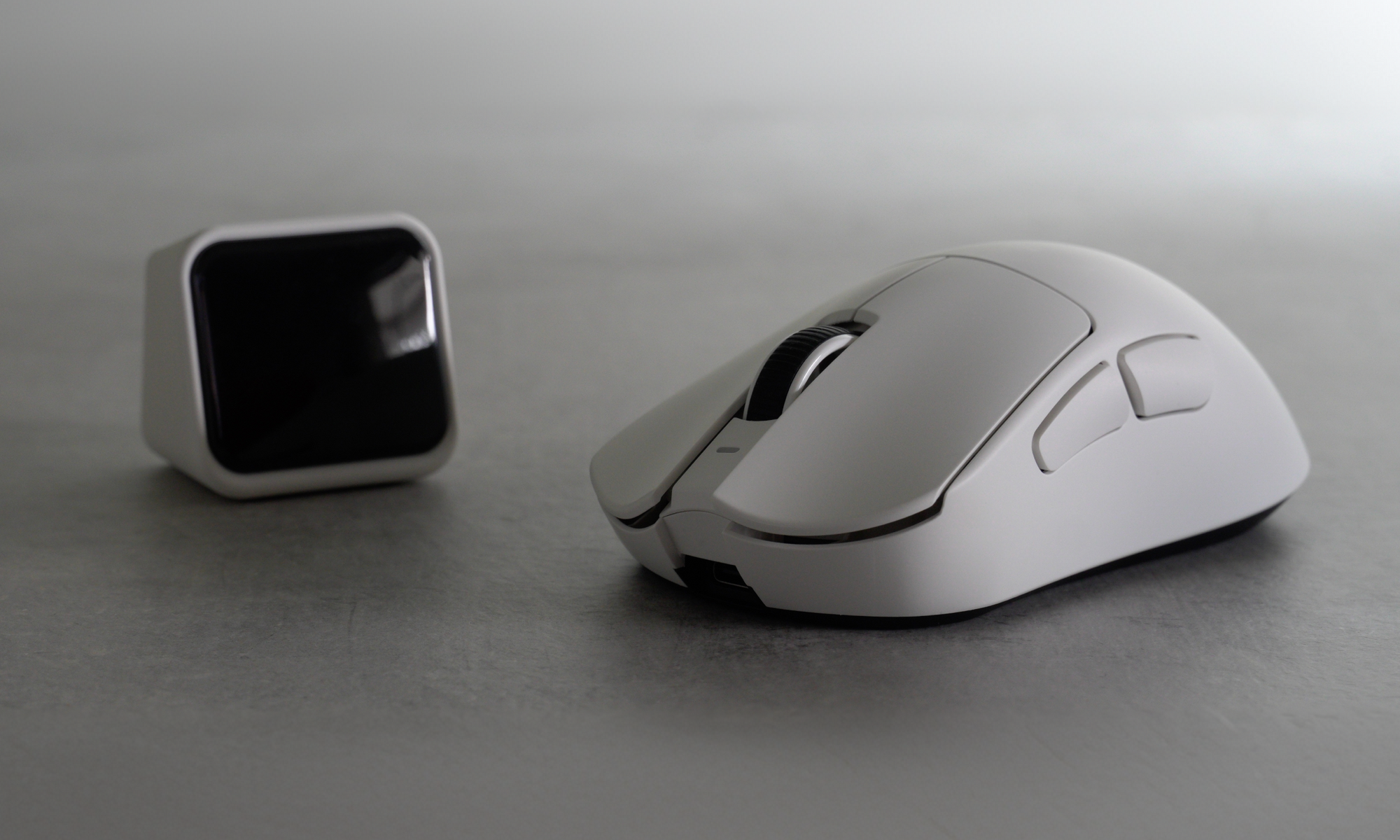
For relaxed claw, a centered or slightly rear hump usually works better than a front loaded shell. You want enough height to keep the back of your hand from collapsing, but not so much that the mouse pushes you into a palm grip. This is why shape matters more than spec sheets. A slightly fuller shell with better rear support can feel instantly natural.
If you want a deeper breakdown on how body style changes contact points, our guide on symmetrical versus asymmetrical mouse design is useful here. Symmetrical bodies often feel more agile up front, while ergonomic shapes usually give you more natural support under the palm and wrist.
They make side control easy without squeeze
A relaxed claw grip falls apart when the sides of the mouse give you nothing to hold onto. Good side curves let your thumb and ring finger secure the shell with very little effort. That is also why coating matters more than many players admit. If your hand slips even a little, you compensate by adding pressure. The sweaty hands guide from Teevolution covers this well, and the same logic applies even if sweat is not your main issue.
They stay light enough to reposition cleanly
Weight still matters, but it matters after shape. A lighter mouse is easier to lift and place cleanly, but only if the shell already fits your contact points. That is why a good relaxed claw mouse feels easy to move without ever feeling loose.
How to Tell If Your Mouse Is Fighting Your Grip
Signs the shell is too small or too flat
If you feel like your fingertips are doing all the work, the mouse may not be giving enough rear support. A flat back can make relaxed claw drift toward fingertip grip. You may notice extra finger fatigue, inconsistent stopping power, or a habit of curling harder just to stay in control.
Signs the shell is too wide or too tall
If the mouse fills your palm so much that your fingers flatten out, you are probably being pushed toward palm grip. A shell that is too wide can also crowd your ring finger and make lift offs feel clumsy.
Hand size changes all of this. If you have broader hands, your ideal relaxed claw shape may look more ergonomic than average. Bigger hands do not always need a giant mouse, but they do need enough width and support to avoid over gripping.
Where Terra PRO Fits for Relaxed Claw
Why the shape works for more than one grip
 The Teevolution Terra PRO is an ergonomic shape first, but it is light enough at 49 grams to stay viable for relaxed claw instead of locking you into pure palm. Teevolution positions it around natural hand support, an ultra grippy coating, and smooth skates, which makes sense if your goal is lower tension rather than chasing a spec headline.
The strongest proof point is still how players describe it in real use. In Teevolution’s community archive, one wide handed player with 19.5 by 13 cm hands said the Terra PRO finally solved long session discomfort and felt like an endgame relaxed claw option. That tracks with what relaxed claw users usually need: rear support, secure sides, and enough agility to keep finger control alive.
What to pair with it if you want more lock in
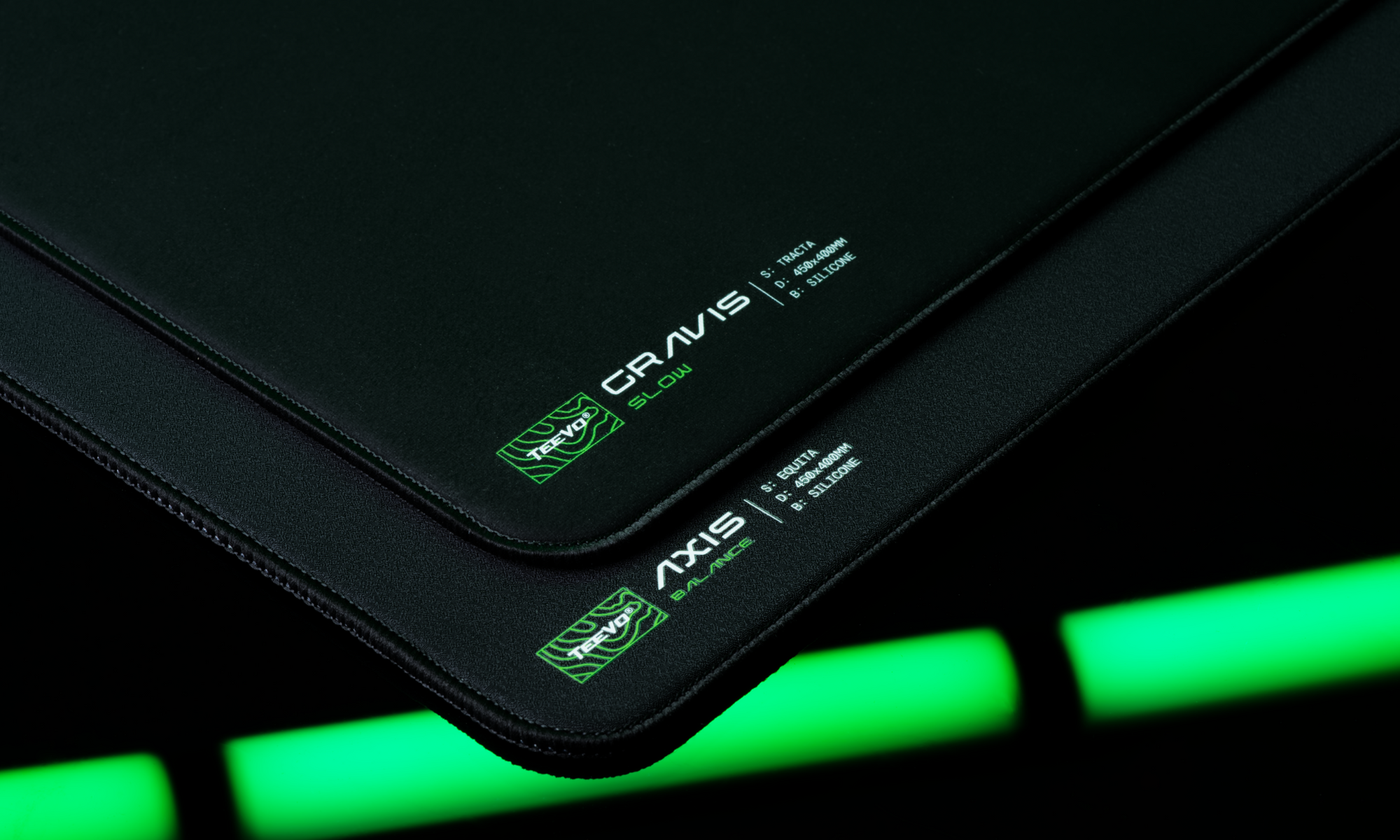
If your hands run warm or you like a more planted feel, the shape alone may not be the whole answer. Grip tape on the right contact points, a pad surface that matches your sensitivity, and fresh skates when glide turns inconsistent are all simple upgrades that help the same shape perform better.
Relaxed claw is not about forcing your hand into a textbook position. It is about finding a shape that lets your hand settle naturally while keeping control easy. When that happens, your aim feels cleaner, your grip pressure drops, and long sessions stop feeling like work. That is the real sign you found the right mouse.