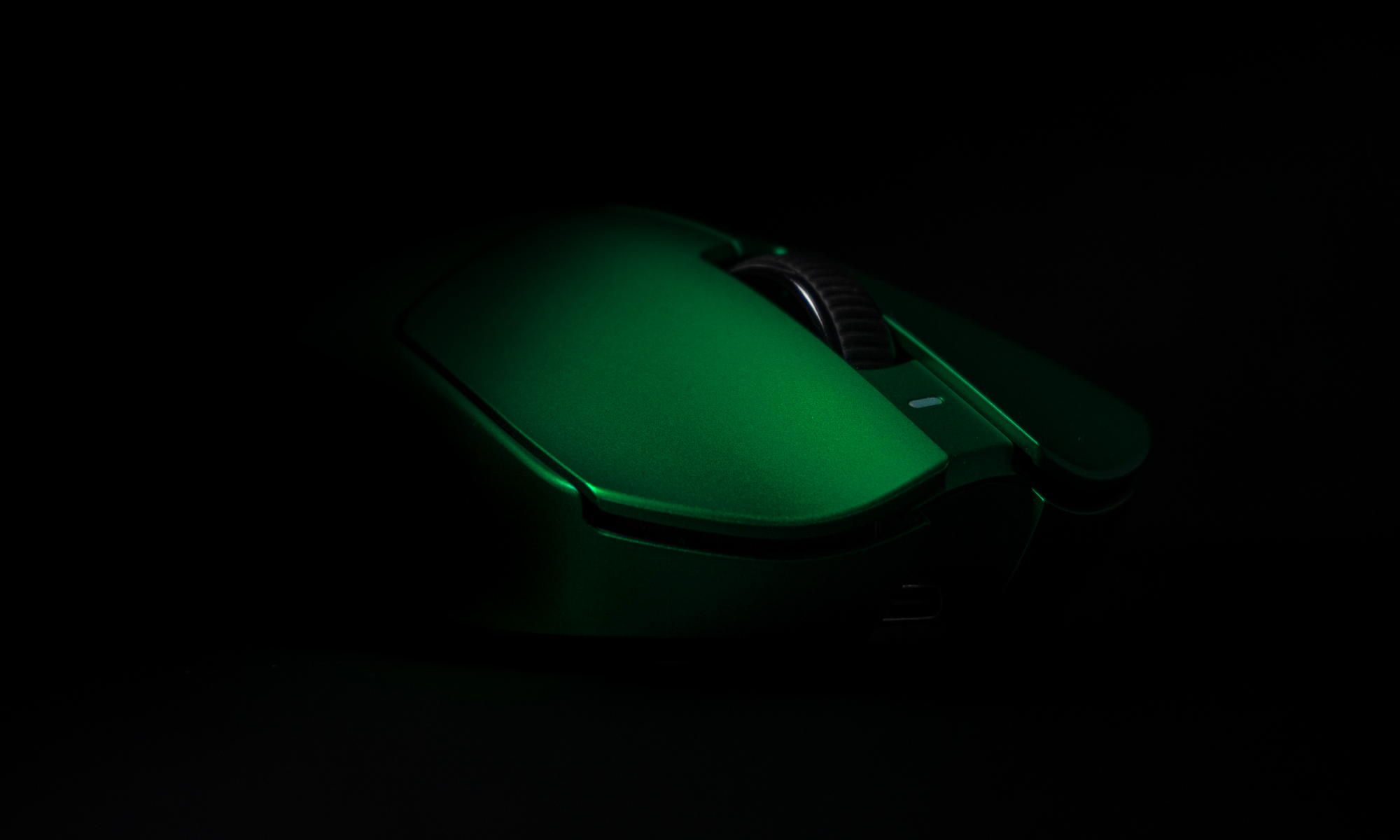
Ergonomic Gaming Mouse for Long Sessions: What Your Hand Tells You After Hour 3
Most gaming mouse reviews happen in the first 20 minutes of use. Sometimes an hour. Rarely more. But if you regularly play for 3, 4, or 6 hours at a stretch, that review is not testing the same thing you are going to experience. An ergonomic gaming mouse for long sessions has to solve a different problem than a mouse that just feels good out of the box. The question that actually matters is what the mouse feels like after hour three, when your grip has accumulated fatigue, your wrist is carrying more tension, and every small fit issue has had time to compound.
Why Mouse Shape Matters More the Longer You Play
In a short session, a mouse that is only a decent fit is still usable. Shape problems compound over time. A thumb rest that puts your hand at a slightly awkward angle is barely noticeable in minute five. By hour three it is obvious. A shell that is too narrow for your palm means you are gripping harder than you need to throughout the entire session. That extra tension is exactly what accumulates into fatigue and, over repeated sessions, injury.
What the Research Says About Session Length and Strain
A 2025 study published in the Journal of Electromyography and Kinesiology found that wrist extensors show measurable fatigue during prolonged mouse aiming tasks, identifying these muscles as being at high risk for repetitive strain during extended use. Separately, research compiled in BMC Musculoskeletal Disorders found that more than 40% of competitive gamers reported musculoskeletal pain in the wrist, shoulder, neck, or back. Sessions of two or more continuous hours were consistently associated with higher rates of reported injury. The mouse shape you choose is one of the most direct variables you actually control for that outcome.
What Grip Fatigue Actually Feels Like
Grip fatigue rarely announces itself dramatically. It starts as subtle tightening around the thumb and ring finger. You hold the mouse harder than you intend to because the shape is not giving your hand a natural resting position. That tension builds across the session. If the shape fits well, the opposite happens: your hand relaxes into the mouse rather than fighting to maintain contact with it. The real test of any ergonomic gaming mouse for long sessions is whether it feels less effortful the deeper into the session you get, not more.
What to Look for in an Ergonomic Gaming Mouse for Long Sessions
Not all ergonomic shapes are built the same, and not everything marketed as ergonomic actually addresses session length. These are the things that make a real difference.
Shape Is the One Thing Specs Cannot Fix
A right-handed ergonomic shell gives the palm a natural resting surface, keeps the thumb supported without strain, and lets the pinky and ring fingers sit without gripping. The rear hump height, the thumb channel depth, and the side contour are where fit actually happens. If any of those are slightly off for your hand, you will know by hour two.
One member of r/MouseReview documented a 7-hour session on a well-fitted right-handed ergonomic mouse after years of searching for the right shape for a wide palm measuring 19.5 x 13cm. Seven hours, zero pain. That is not a spec result. It is a fit result. The shape was correct for that hand, and the rest followed.
Weight: What 49g Actually Means After 4 Hours
 The difference between a 49g (Terra PRO) mouse and a 90g mouse becomes most relevant not in how each moves across the pad, but in how much load your forearm and wrist carry during sustained use. Every movement requires muscular effort to initiate and stop. Lighter means less effort, repeated across tens of thousands of movements per hour. Over a 6-hour session, that compounds in a way a short review cannot capture. For long sessions, the target is generally under 60g, with the sweet spot sitting between 45g and 55g.
Coating and Contact: When You Stop Noticing You Are Holding It
Surface texture sounds minor until you have used a mouse with the wrong one. Too slippery and you compensate with grip pressure. Too aggressive and the coating creates friction against your palm after extended contact. An ultra-grippy matte finish that maintains traction without requiring deliberate effort is the target. When the coating is right, your hand sits on the mouse rather than gripping it. That shift in low-level tension, sustained across a long session, is more significant than most reviews acknowledge.
Wireless Makes a Specific Difference for Long Sessions
Cable drag is subtle in a 30-minute session. In a 5-hour one it becomes a persistent annoyance your arm corrects for constantly. The resistance from a wired cable means your arm is always compensating for tension that would not exist on a wireless mouse. 2.4GHz wireless at modern polling rates removes that variable entirely. For anyone gaming 4 or more hours at a stretch, wireless eliminates one consistent source of physical load across the whole session.
How Your Mousepad Affects Long-Session Comfort
 The mouse is not the only variable. A faster surface reduces the resistance your arm works against during every movement. A slower, more controlled surface takes more sustained effort to move across. For long sessions, a balanced surface that does not create resistance spikes mid-swipe keeps arm fatigue lower overall. Consistency across the whole mat matters more than peak performance in the center. The Genesis Series Mousepad offers two options: Axis for a balanced speed-control feel, and Gravis for a slower, precision-focused surface. Which one fits depends on how much your arm travels during a typical session and how much control you want at the point of contact.
What Grip Style Works Best with an Ergonomic Gaming Mouse?
Palm grip is the most natural fit for a right-handed ergonomic shape. Your whole hand makes contact with the shell, the rear hump carries your palm, and the shape does most of the holding work. Relaxed claw grip also works well on shapes with a higher rear and a well-defined thumb channel. Fingertip grip is a less natural match because the contact points that support palm and claw users can feel restrictive when your palm is not resting on the mouse at all.
Can an Ergonomic Mouse Actually Prevent RSI?
Not on its own. But it is one of the most controllable variables in the equation. The 1-HP gaming physio team frames it clearly: ergonomic equipment slows the rate at which strain accumulates. Breaks and strengthening work prevent the injury. You need both. A mouse that reduces grip tension and keeps your hand in a more relaxed position lowers how fast cumulative load builds, which matters enormously across the session lengths most serious players log.
The Mouse That Your Hand Forgets It Is Holding
 That is the actual benchmark. Not sensor specs. Not DPI ceiling. Not the unboxing. The Terra PRO was built around exactly the question this article is answering: what does a mouse feel like after 6 hours, not 6 minutes? The shape came from community feedback, not assumption. Independent testing from TechPowerUp confirmed what the community had already said. At 49g with a right-handed ergonomic shell, a PAW3950 STRIKE sensor, FE Optical Switches, and tri-mode wireless, it is built for the sessions that reveal what a mouse is actually made of. If you play long, it earns its place by making those hours quieter on your hand.