How to Fix Double-Clicking on Your Gaming Mouse – The Ultimate Guide
Double-Click Issue on Gaming Mice
A double-click problem occurs when your mouse registers two clicks from a single press. In other words, you press the button once, but the system thinks you clicked twice.
This issue is most common in gaming mice, especially those with mechanical switches that have been used heavily or are older. For gamers, this can be frustrating, imagine instead of landing that one tap, you spray a little too extra in a clutch moment.
For mechanical switches, the switches close a circuit with metal contacts. Over time, these contacts can develop micro-bounces, sending extra signals. Most gaming mice try to filter this with debounce firmware, but as switches wear out, the filter can’t keep up, and boom, unintended double-clicks happen at the worst possible moment.
For optical switches, they don’t rely on metal contacts touching each other. Instead they use a light beam and sensor to detect a click. Because of that, they don’t suffer from mechanical contact bounce, which is the main cause of double-clicking in mechanical switches. It is much rarer for optical switches to double click, but the chances are not zero. For optical switches, some possible cases are bad implementations or shielding that can cause false triggers, sensor noise/electrical interference, and poorly tuned firmware that can mistakenly register two clicks, especially with ultra-low latency settings.
5 Main Reasons Your Gaming Mouse Keeps Double-Clicking
-
Worn-Out Mechanical Switches: The Most Common Culprit
Mechanical switch contacts wear down with use. This wear leads to electrical bounce, meaning your mouse may register two clicks instead of one.
In games like CS:GO or Valorant, this can cause you to spray bullets instead of landing a single precision headshot, ruining critical moments.
-
Debounce Timing Too Short: When Firmware Can’t Keep Up
Mice have a tiny delay called debounce time to ignore accidental extra signals. If your switch bounces longer than the debounce window, your mouse may still register a false second click.
This explains why high-speed clicks in FPS games sometimes backfire, even with a new mouse.
-
Dust and Debris Inside Your Mouse Switches
Tiny dust particles can get trapped in your switch, interfering with the metal contacts which leads to one click registered as two. Tip: If you play long gaming sessions in a dusty setup, a little maintenance can prevent these sneaky double-click disasters.
-
Software and System Settings Can Cause Double Clicks Too
Not every double-click is hardware-related. Some culprits include windows double-click speed set too fast and outdated/corrupted mouse drivers. Even with a perfect mouse, these settings can make your precision aim go haywire, especially in competitive titles.
-
Wireless Mice and Low Batteries: Less Common, But Possible
Sometimes, low battery or signal interference can cause clicks to misfire. So always make the time to check your battery indicator.
Fixing and Preventing Double-Click Issues in Gaming Mice: From Quick Tweaks to the Most Effective Solutions
If your mouse is double-clicking at the worst possible moments, there are several effective fixes you can handle yourself with minimal tools or experience.
-
Update and Reinstall Mouse Drivers: Outdated or corrupted drivers can cause input miscommunication. Reinstall the mouse drivers ONLY via your manufacturer’s software. For Teevolution products, you can find the link here.
-
Clean the mouse internals: Use compressed air and a soft brush to remove dust and debris. Carefully clean around the switch area, and avoid touching sensitive components.
-
Replace the switch: As it is said before, worn out switches are the number 1 cause of double-click issues. Replacing the root cause solves the problem. Before replacing the switch, always test the mouse on another system/computer to determine if the issue is hardware or software-related. If the double-click persists, it’s most likely a worn or damaged switch.
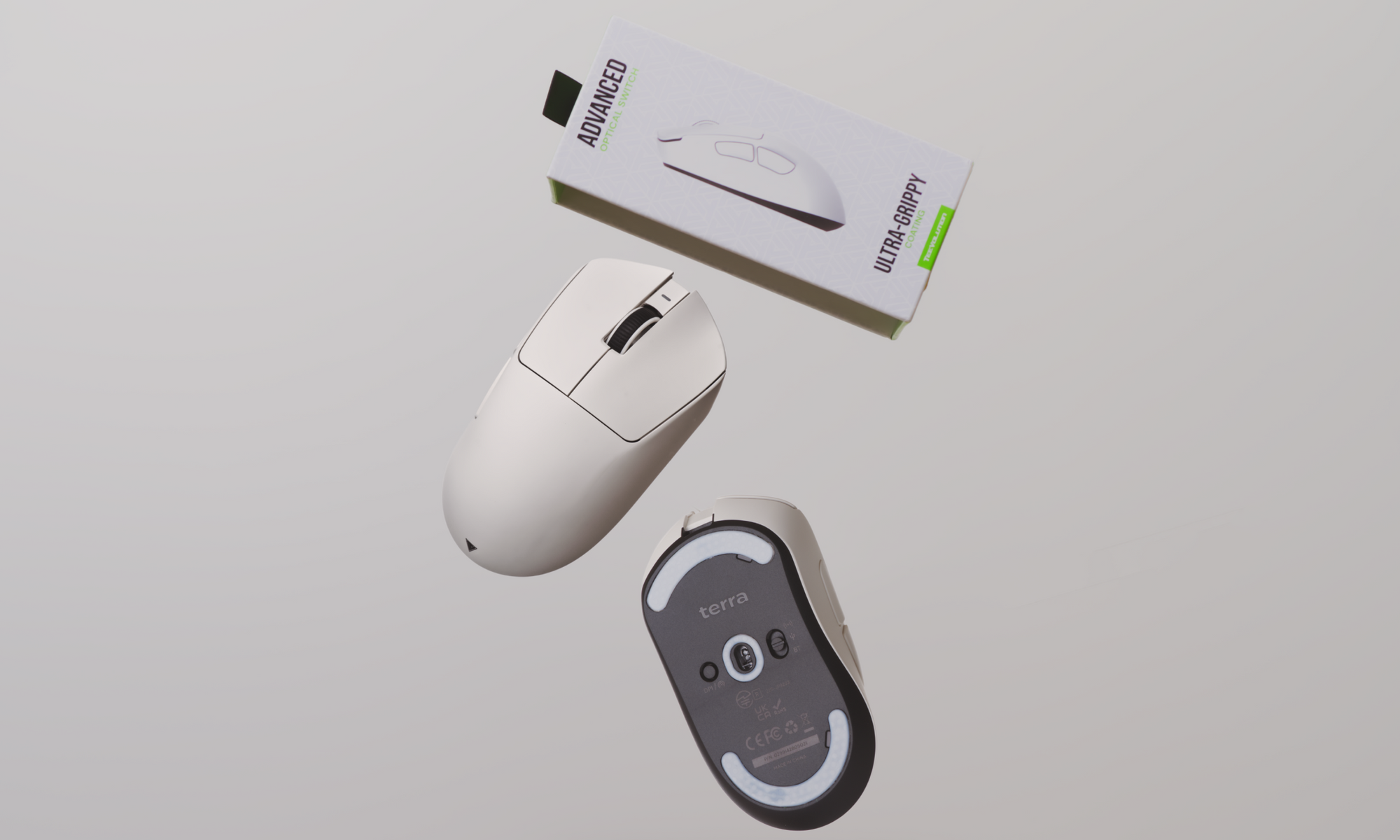
Double-clicks are a severe problem for serious gamers. This is also why newer-generation gaming mice focus heavily on durability and click consistency out of the box. The Teevolution Terra Pro Gaming Mouse, is designed to minimize the most common causes of double-click issues through improved switch selection, firmware tuning, and internal stability, reducing the need for software workarounds or early hardware repairs. Discover more about Terra Pro here.
Additionally, it’s always better to prevent the problem even before they start. Preventing double-click problems begins with how you use and maintain your mouse.
-
Applying lighter and more consistent clicking pressure helps reduce long-term wear on mechanical switch contacts, as excessive force accelerates metal degradation and contact bounce.
-
Keeping your gaming setup clean and dust-free is equally important, microscopic dust particles can enter the switch housing over time and interfere with electrical contacts, leading to unstable clicks.
-
Finally, using a high-quality mousepad like the Genesis Series Mousepad can make a bigger difference than most players realize. A stable, even surface reduces micro-vibrations and sudden impact forces during fast movements, minimizing unnecessary stress on internal components and helping your mouse maintain reliable performance over a longer lifespan.
When it comes to gaming, double-click issues can be frustrating, disruptive, and even game-changing, especially in competitive FPS titles like Valorant or CS:GO. It is always better to get them prevented and fixed, or invest in a reliable gaming mouse like Teevolution Terra Pro.